Pallaidium lets you develop narratives directly with the visual and sonic elements that trigger emotion in you right now.
Creativity is about combining elements. Pallaidium empowers you to create and combine elements across all media, letting you explore the immediate emotional impact of these combinations as they play together on a single timeline.
Traditional screenwriting requires you to work in words, projecting how a scene might eventually feel in the cinema. Pallaidium changes this paradigm entirely.
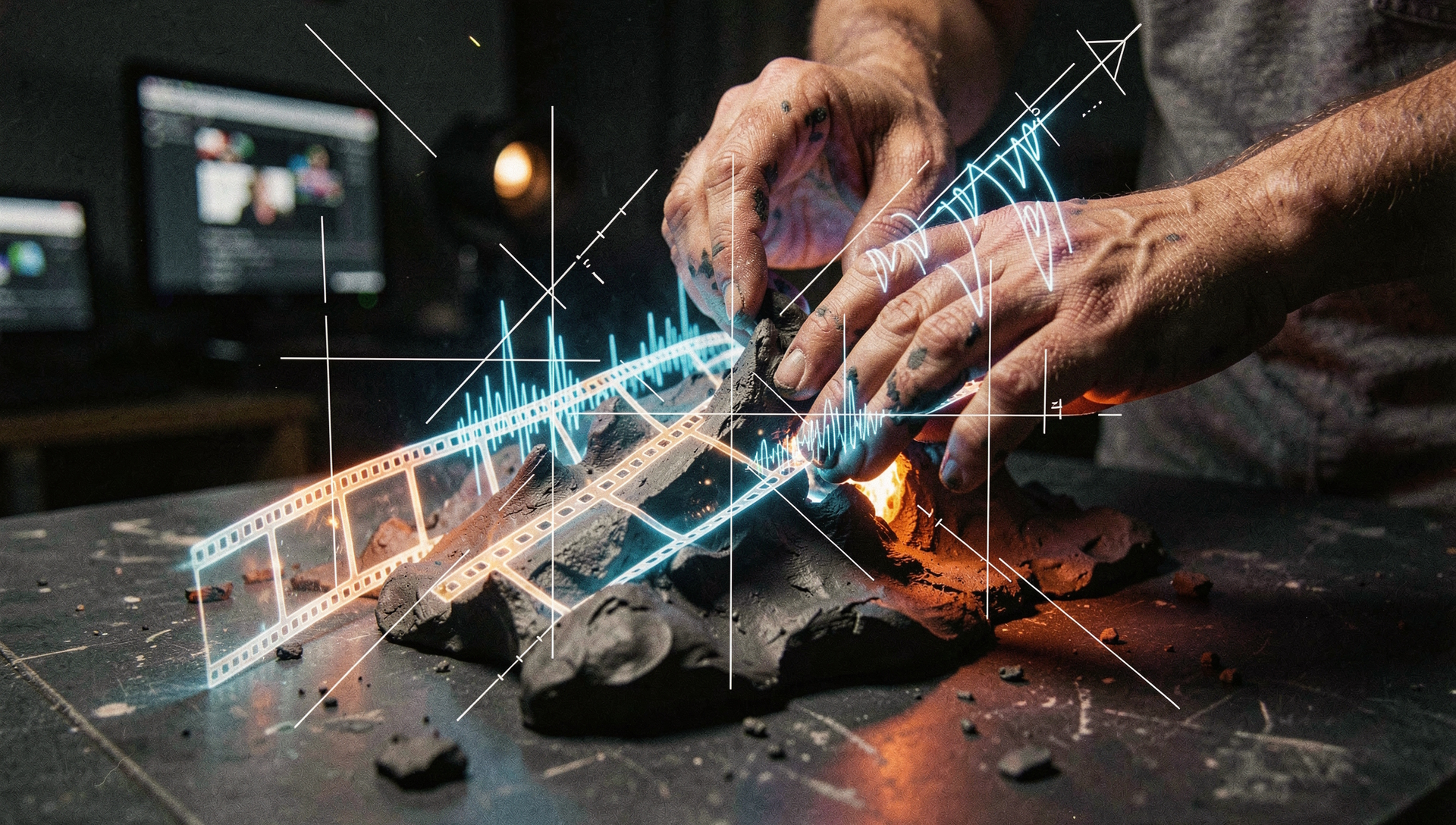
By placing generative models inside Blender's Video Sequence Editor (VSE), you work directly in the medium itself. Draft visual plates, test dialogue pacing, and adjust musical arrangements side-by-side. You are like a sculptor working directly with clay, discovering the story through the weight, texture, and unexpected details of the physical assets.
Don't wait for post-production to hear a character's voice. Generate cloned dialogue paths, evaluate performance cadences, and let the voice direct the visual cuts.
Play a musical stem, generate a sequence frame, and observe how they interact on the timeline. Follow the sensory chemistry wherever it leads your narrative.
Select a starting asset below. Anything can become anything via text prompts and descriptive layers inside Pallaidium.
Translating screenplay descriptions to multi-track layouts
These diagrams show just two examples of the infinite routes you can explore on the VSE timeline.
You begin with a text concept or screenplay strip, generating visuals, speech tracks, and soundtracks step-by-step to match the timing of your written screenplay.
Import or generate a musical score that evokes the correct emotion. Explore images that match its mood, imagine the characters, generate descriptions, and output a screenplay.
Fast latent video generation using a 3-stage temporal process. The multi-input variant supports custom VSE LoRAs and detail passes.
Generates fluid sequences with strong physics adherence and temporal rendering characteristics. High motion range accuracy.
Text-to-video and image-to-video models leveraging Hunyuan DiT. Features a compressed INT4 architecture option for reduced memory allocation.
Alternative API-steered generation system for rapid draft generation. Requires setting an active personal key.
Optimized text-to-image pipeline for detailed layouts, graphics, and high-fidelity prompt compliance. Fits within 6 GB limits.
Lightweight parameter modifications. Intended for fast layout previews and efficient tile upscaling.
Performs instruction-based changes on loaded image strips. Allows you to re-light or edit specific areas without manual masking.
A unified multi-image model for image editing, generation, and multi-reference image composition.
Advanced diffusion transformer model designed to process high-density visual details and complex layout conditions.
High-resolution automated background extraction engine. Isolates subjects directly on VSE layers for fast compositing.
Clones voice performance details directly from short local reference files. Handles dialogue generation and long formats without processing lag.
Calculates synchronization coordinates directly from timeline video tracks to generate synchronized sound effects and foley tracks.
Generates stereo musical stems and arrangements directly from text directions, BPM cues, and scale settings.
Flexible text-to-audio engine designed for sound design, ambient environments, and structural track sound effects.
Analyzes frame layers on the timeline to generate accurate captions, object coordinates, and tracking labels.
Rewrites simple text inputs into rich, descriptive prompts structured for the temporal constraints of video models.
Generates narrative descriptions of motion and visual sequences from video strips, aiding the screenwriter layout.
Observe the active data path. Pallaidium sits at the core of your VSE timeline, converting structured inputs from satellite modules into sensory motion, speech, and sound.
The master orchestration framework that coordinates localized diffusion passes directly in Blender's Video Sequence Editor (VSE). It ingests structural, directional, and temporal parameters from the satellite nodes and compiles them into sensory sequences using Wan-AI, LTX-2, FLUX, and Chatterbox. All media tracks are coordinated under a shared emotional state.
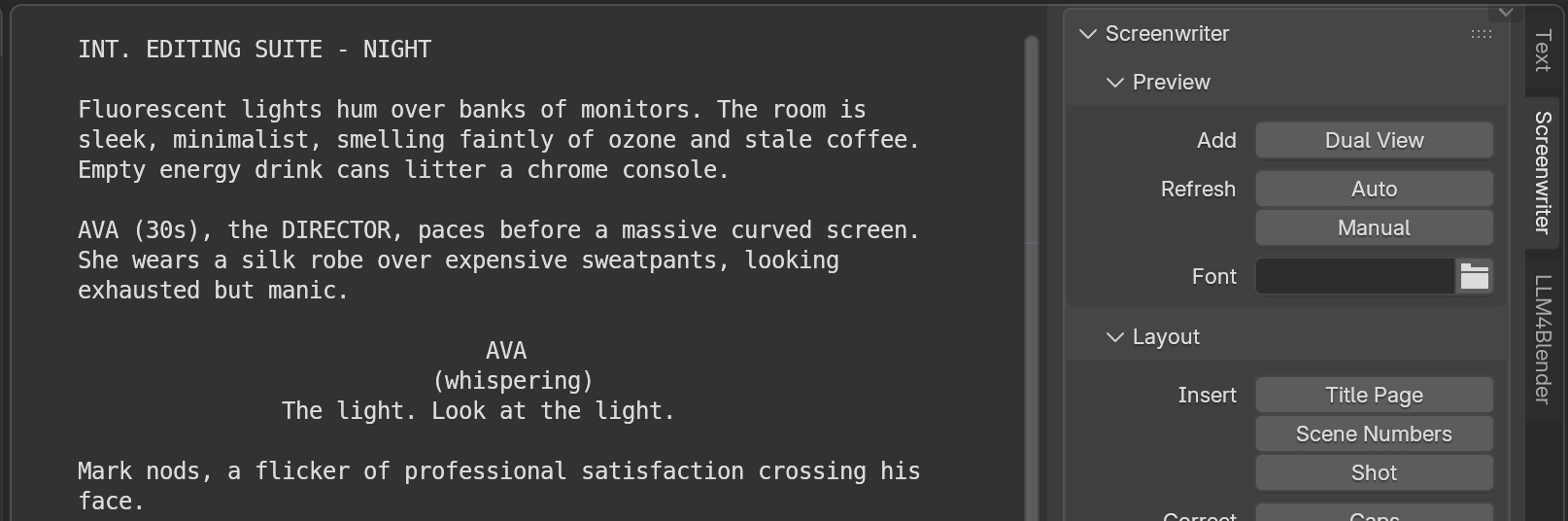
Draft screenplays directly in Blender using Fountain markup. Automatically compiles dialogue and heading sections into timed sequence tracks, setting up a template for visual and audio development.
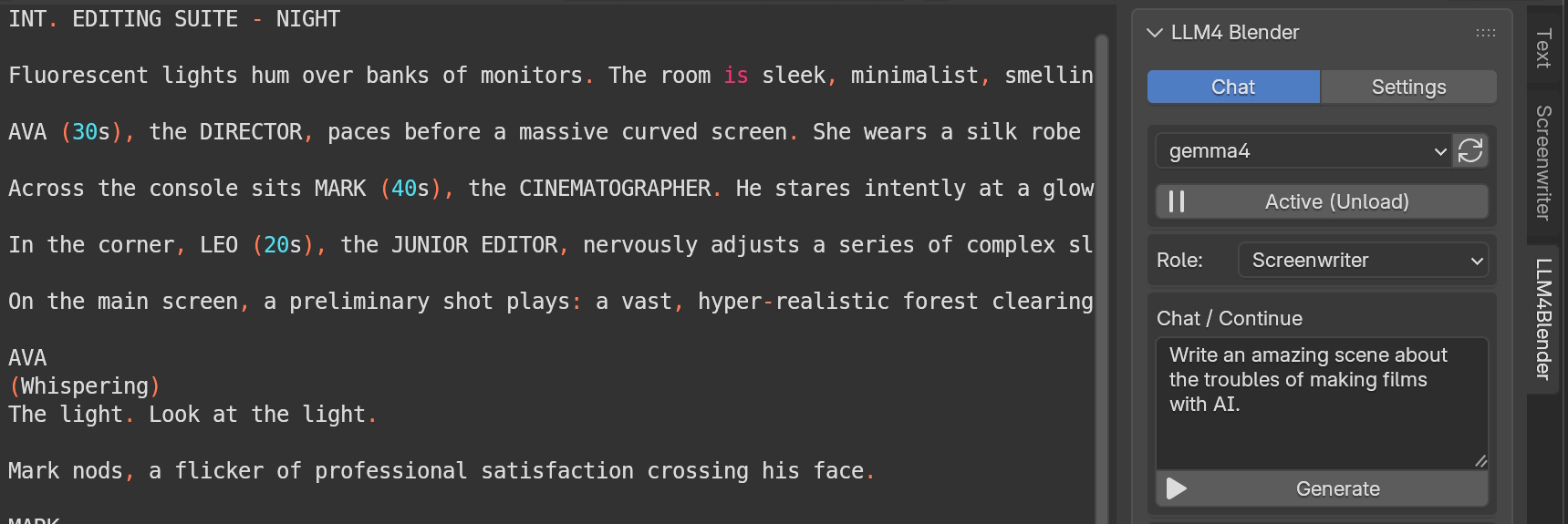
Brings local, offline LLMs via GPT4ALL directly into Blender. Generates and refines scene descriptors, narrative setups, and prompts locally to explore different physical textures in your sequence.
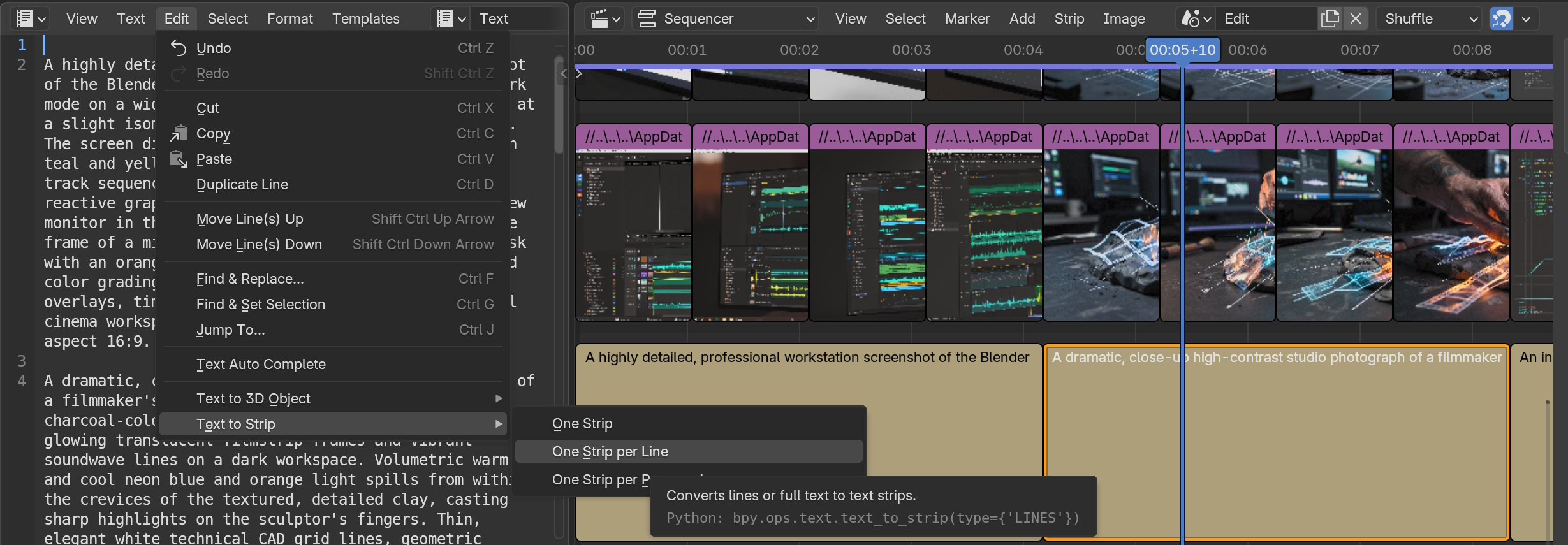
Converts active script documents or structured prompt texts from Blender's text editor directly into sequenced subtitle strips, preparing inputs for batch layout down the timeline.
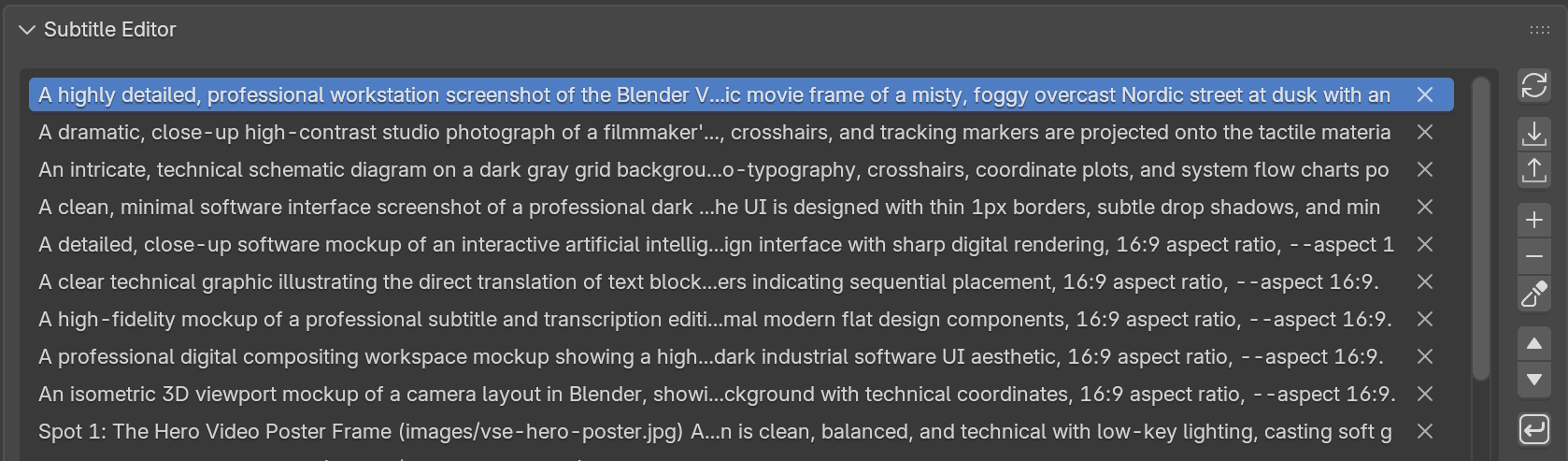
Provides visual track navigation, edit synchronization, translation tracks, and formatting tools. Combines with Whisper models to transcribe voice plates and auto-generate text prompts.
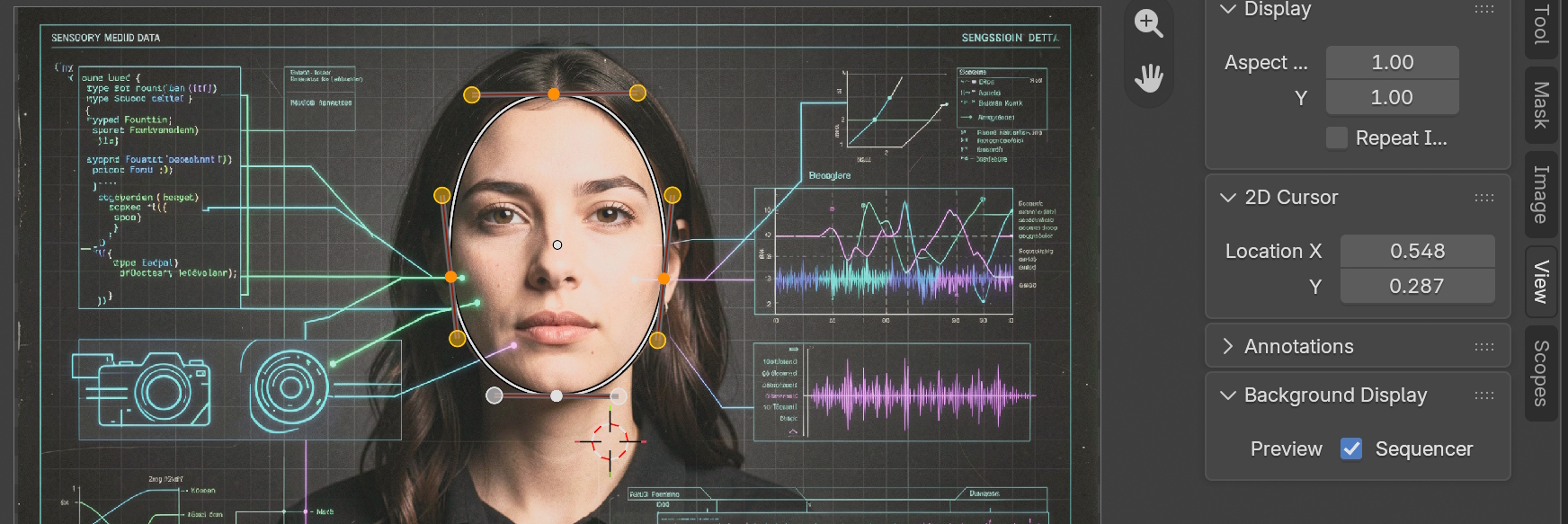
Draw masking boundaries on timeline elements using Blender's Clip Editor. Converts selections into timeline strips to target localized inpainting and img2img passes.
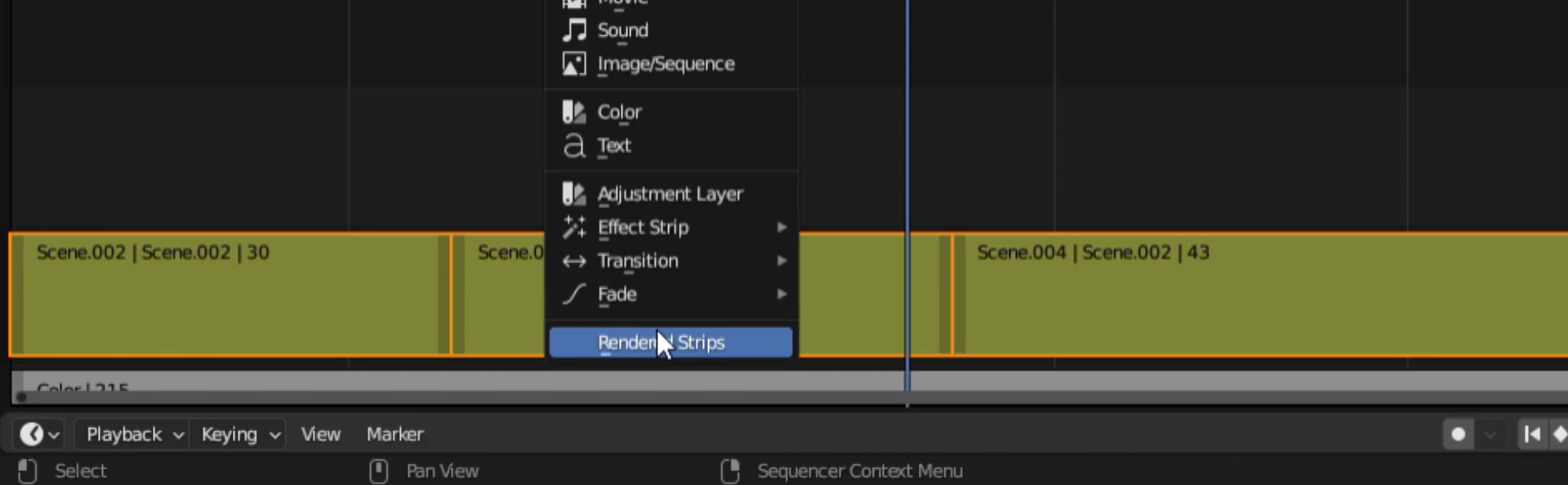
Renders 3D layouts, grease pencil drafts, or viewport angles directly to movie strips on the timeline. Ensures these tracks are immediately compatible with Pallaidium's image-to-video workflow.
One-time setup - Models download on first use
1. Install Git (must be on your system PATH).
2. Download Blender 5.2+ and unzip it into your Documents folder.
3. Download Pallaidium .ZIP.
Tip: shorten the Blender folder name - long paths can cause unzip failures on Windows.
If any modules are missing after install, use blender_pip to install them manually.
Verify your library bindings and local model allocations automatically.
Share results, suggest physical layout models, propose plugin structures, and troubleshoot issues directly with developers on the open Discord server.
"When you have Pallaidium installed, reach out on Discord or leave a note on how it is working for you. It means the world to me to know someone is using it."